Setup Command Added to Laravel’s Composer File
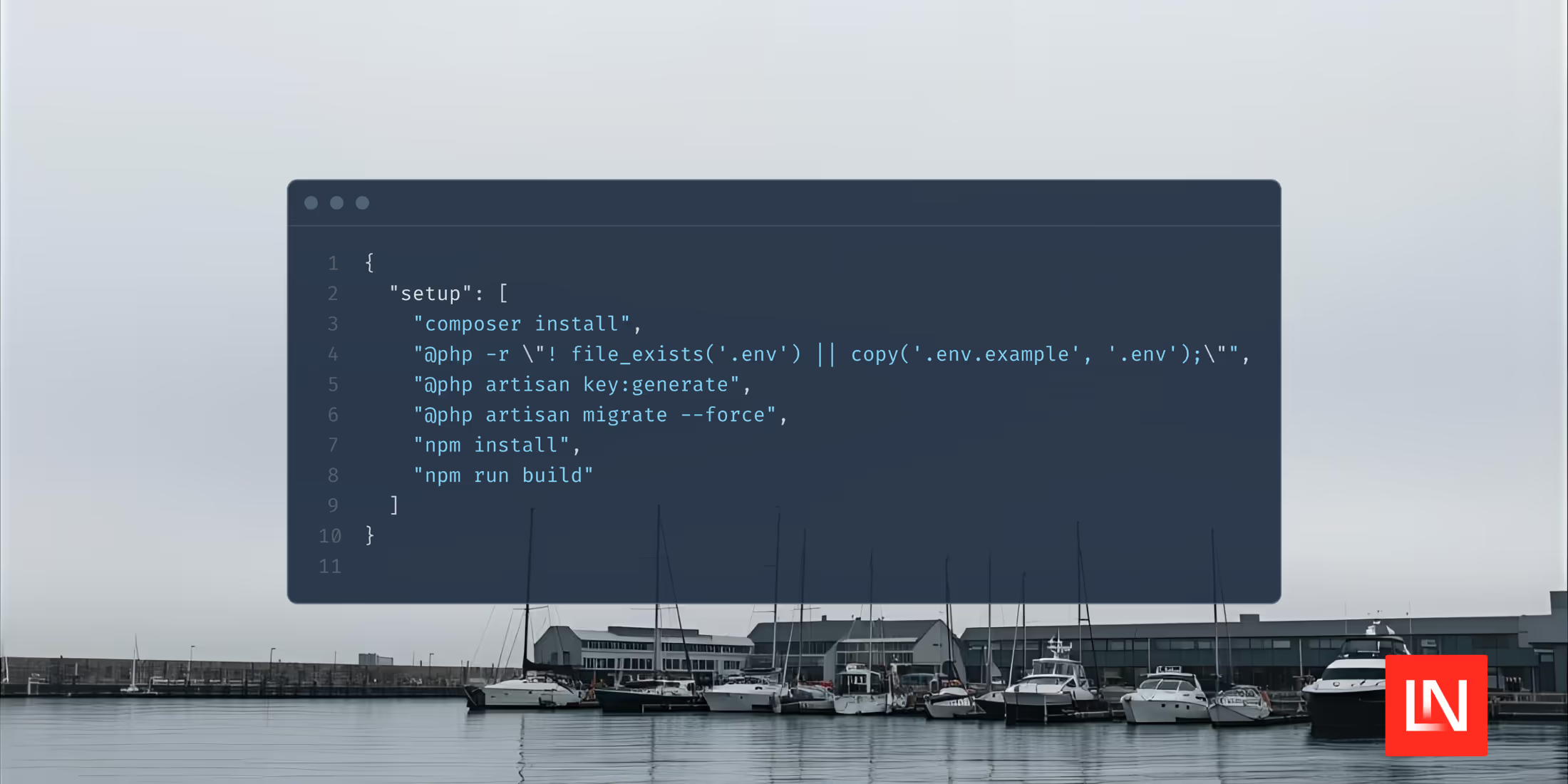
Taylor Otwell shipped a setup command to Laravel’s Composer file, consolidating typical setup steps into one command to set up a Laravel project. This command is a good starting point, but is easily customizable from project to project based on your application’s needs:
{

"setup": [

"composer install",

"@php -r \"! file_exists('.env') || copy('.env.example', '.env');\"",

"@php artisan key:generate",

"@php artisan migrate --force",

"npm install",

"npm run build"

]

}
Many of you might already have a command like this—the setup that ships with Laravel does the following:
- Install Composer dependencies
- If a
.envdoes not exist, copy the.env.examplefile to.env - Generate an
APP_KEY - Run database migrations
- Install NPM packages and build them
This makes setting up a typical Laravel project only two commands: setting up the project and running the Composer Dev command:
composer setup

composer dev
When you create a new Laravel application, it will include the setup command. If you have an existing project, just copy the scripts > setup from the Laravel composer.json file.